
Odoo application — implementation and customization services by OSLOOP
Repairs
Every repair needs context: the product, the reported issue, the work required and the point at which it is ready to return. We organize these steps to support clearer internal tracking and customer communication.
Discuss your requirementsReceive case
Every repair needs context: the product, the reported issue, the work required and the point at which it is ready to return. We organize these steps to support clearer internal tracking and customer communication.
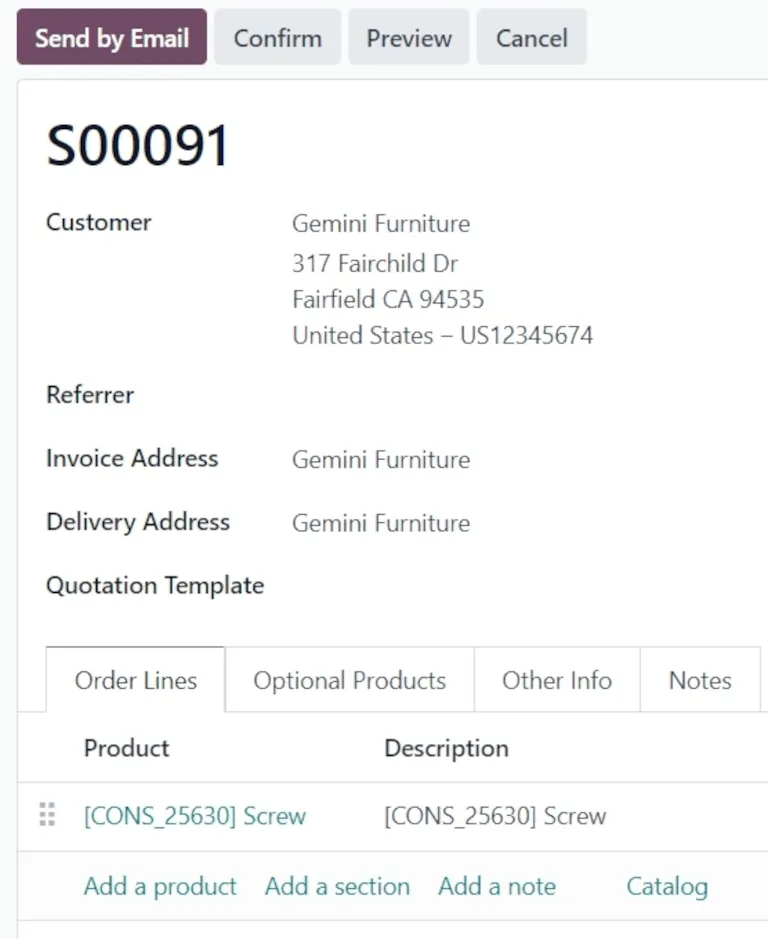
Identify product and issue
Every repair needs context: the product, the reported issue, the work required and the point at which it is ready to return. We organize these steps to support clearer internal tracking and customer communication.
Plan repair
Every repair needs context: the product, the reported issue, the work required and the point at which it is ready to return. We organize these steps to support clearer internal tracking and customer communication.
Record parts and work
Every repair needs context: the product, the reported issue, the work required and the point at which it is ready to return. We organize these steps to support clearer internal tracking and customer communication.
Close and return
Every repair needs context: the product, the reported issue, the work required and the point at which it is ready to return. We organize these steps to support clearer internal tracking and customer communication.
Core capabilities
Identify product and issue
Plan repair
Record parts and work
Close and return






Official Odoo references
- Repairs documentation (Odoo 19) (opens in a new tab)
Start with your real workflow
Application availability, licensing, edition, localization and related integrations must be verified for the selected environment before publishing detailed capability claims.
Discuss your requirements
Image adapted from the Odoo documentation for this guide.
Odoo Documentation
· CC BY-SA 4.0